Thanks for downloading!
Your download should begin automatically. If it doesn't, please use the direct link.
Next steps:
Step 1
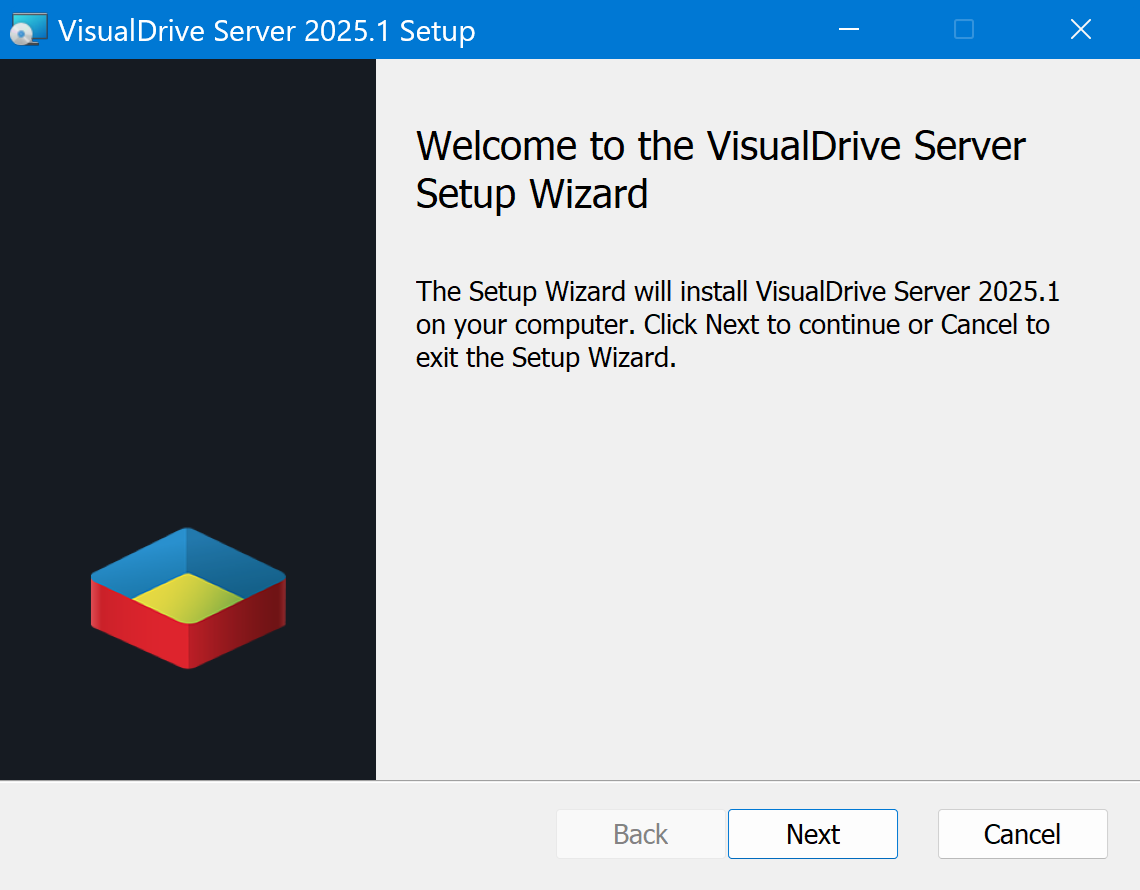
Run the installer
When download completes, run the installer and follow the prompts.
Step 2
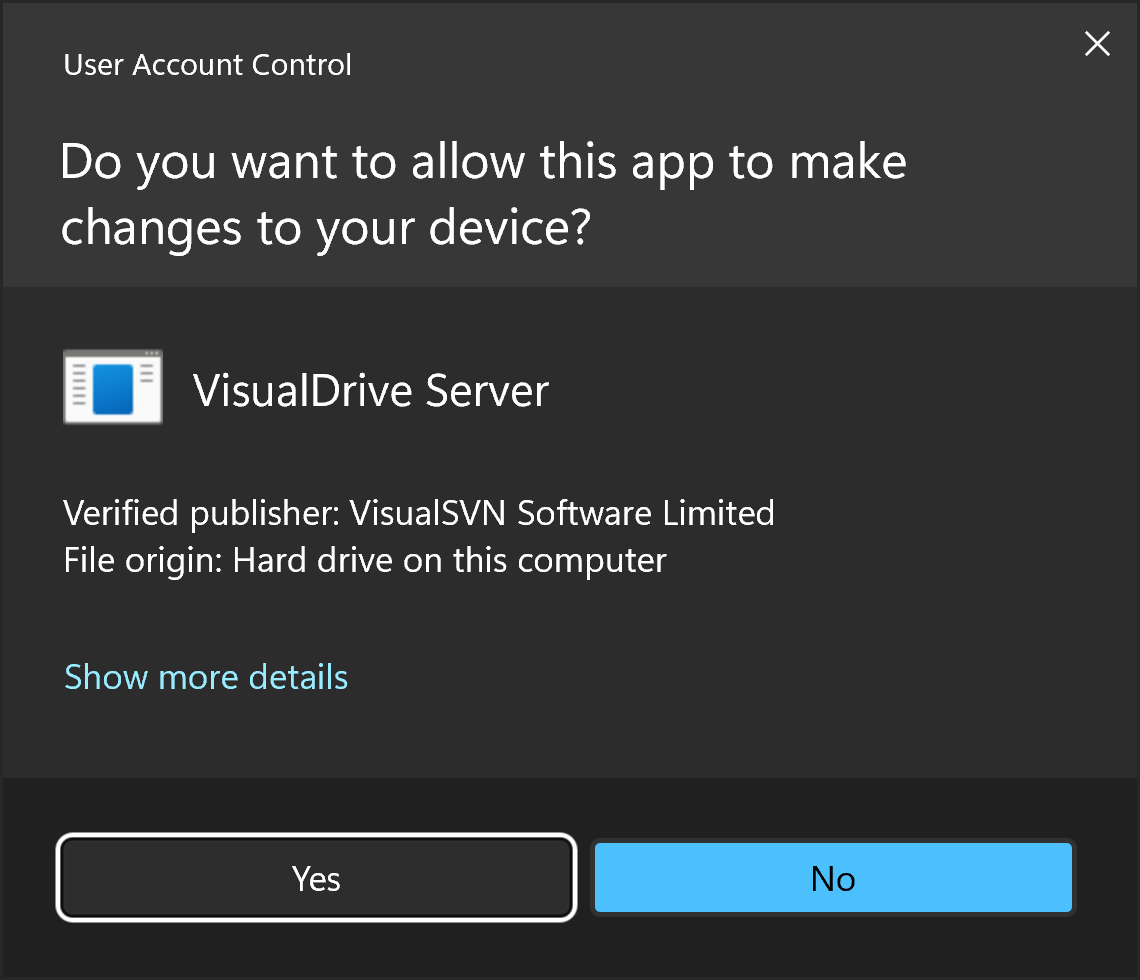
Validate the installation package
The installation package is digitally signed by VisualSVN Software Ltd.
Step 3
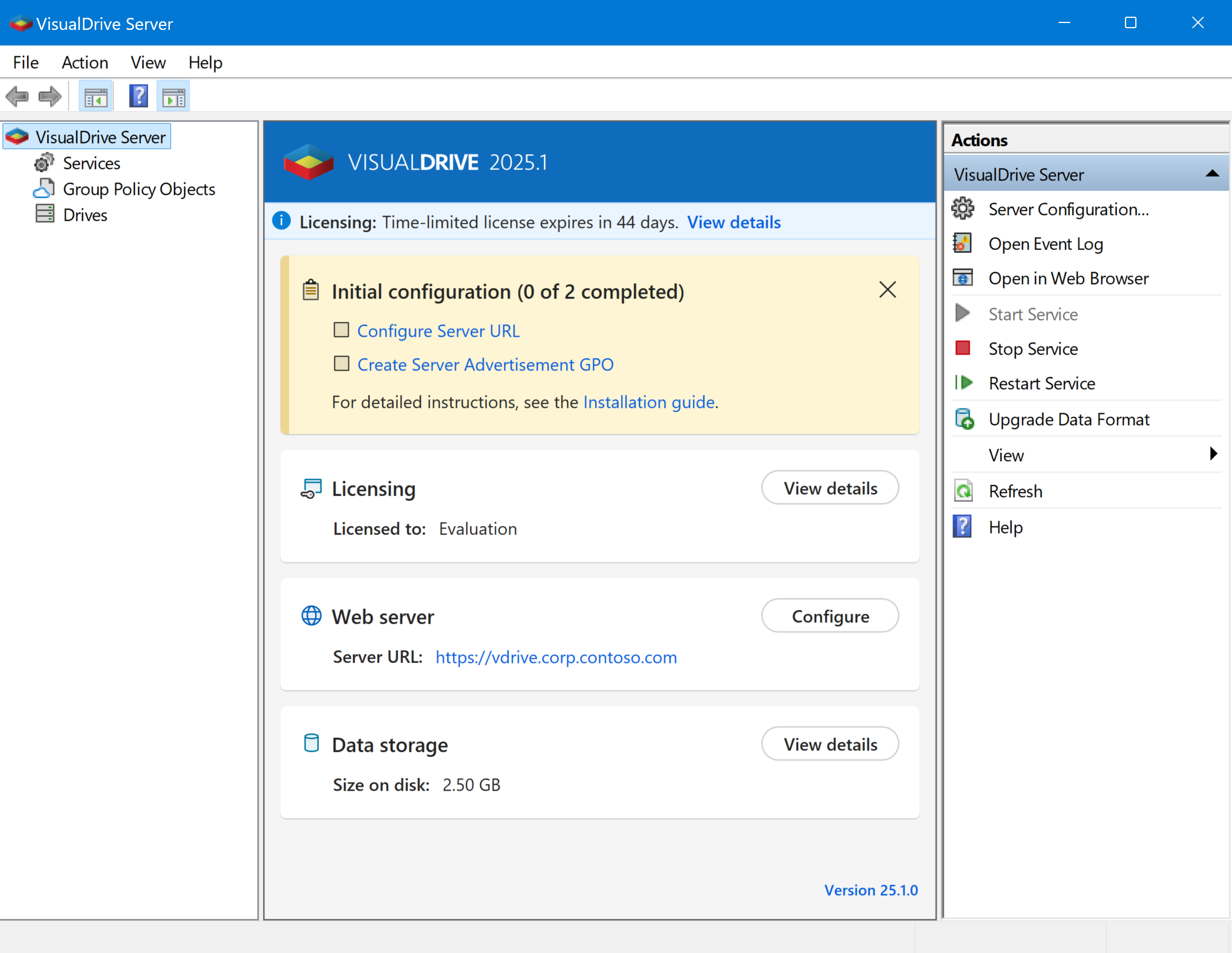
Launch VisualDrive Server Manager
Follow the prompts to complete initial configuration. See the Installation guide for details.