Permissions
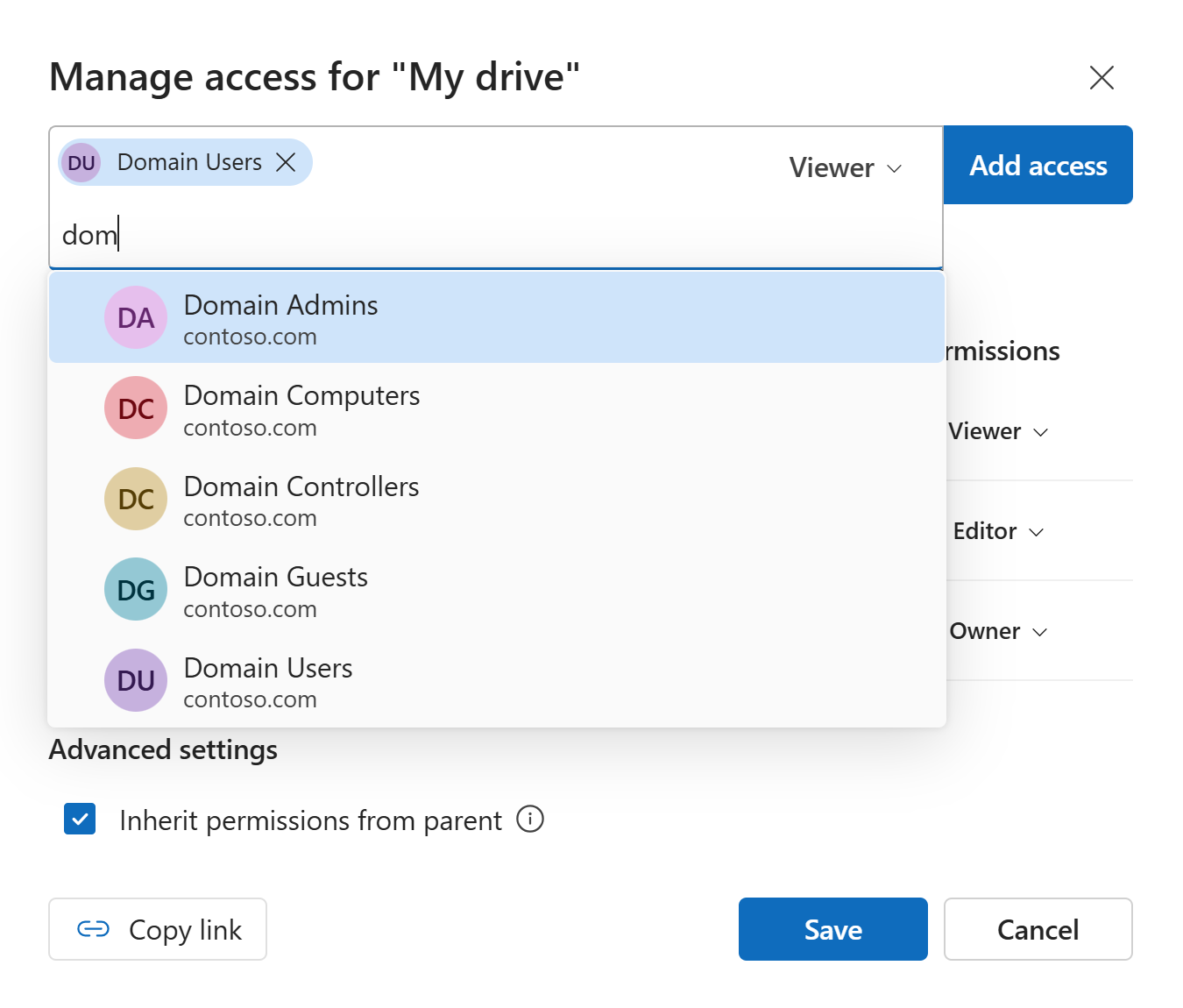
Permissions in VisualDrive Server determine what actions you can perform on an item. They can be set individually for each drive, folder, or file.
Permission levels
VisualDrive Server supports the following permission levels:
Viewer
The Viewer permission grants read-only access to the content of an item.
Editor
The Editor permission grants the ability to create and modify content in addition to viewing it.
Owner
The Owner permission grants full control over an item, including the ability to manage its permissions.
An item can have multiple users or groups with Owner permissions.
Allowed actions
The following table summarizes actions allowed with each permission level:
| Action | Viewer | Editor | Owner |
|---|---|---|---|
| View files and folders | |||
| Create files and folders | |||
| Edit files | |||
| Rename files and folders | |||
| Move files and folders | |||
| Delete files and folders | |||
| Change permissions |