VisualDrive Server 2025.1 Release Notes
| Release status: | Supported |
| First release: | 25.1.0 (November 4, 2025) |
| Most recent release: | 25.1.1 (March 20, 2026) |
VisualDrive Server 2025.1 introduces a secure file server that is fully compatible with standard OneDrive clients and is deployed on your own premises.
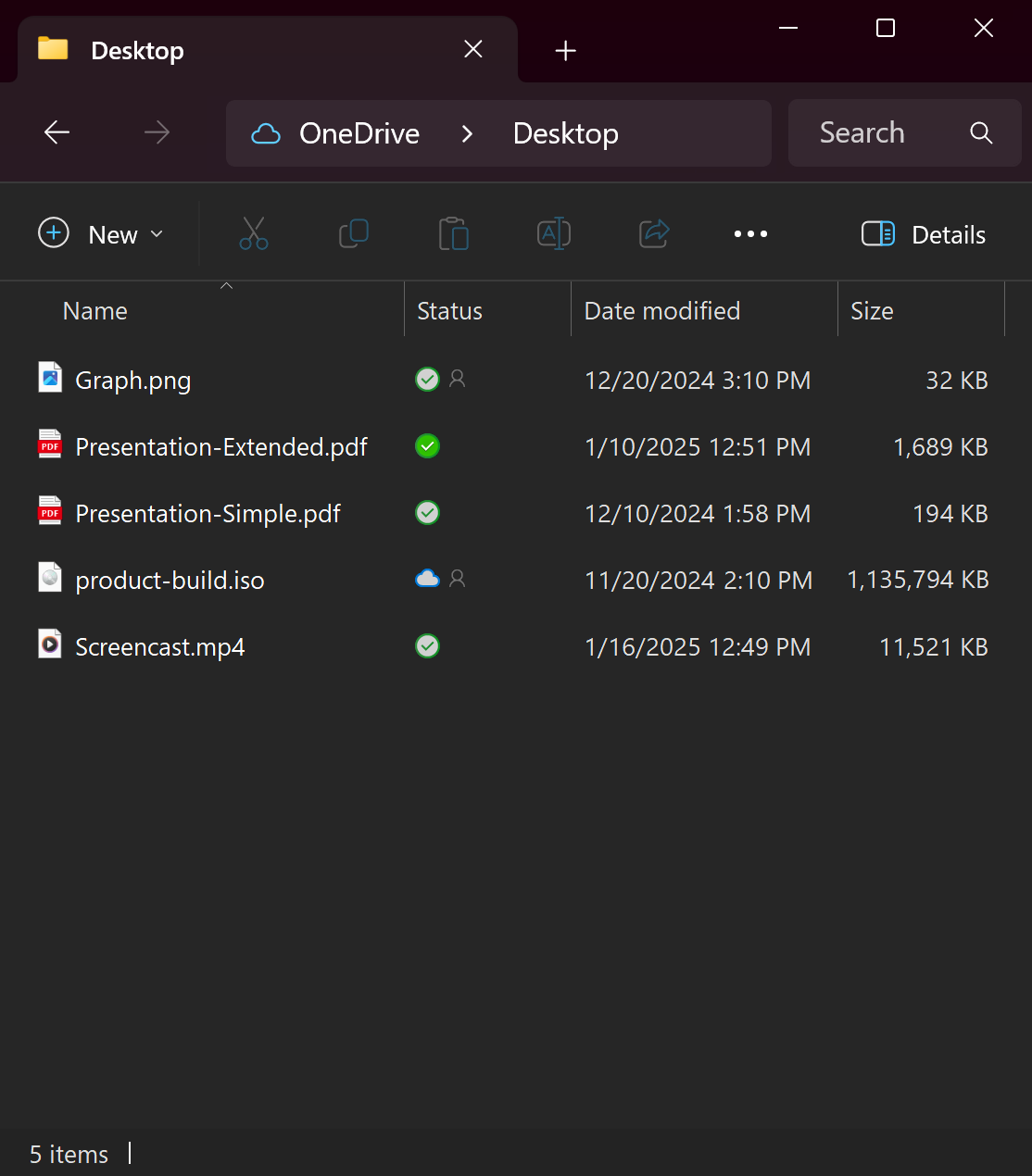
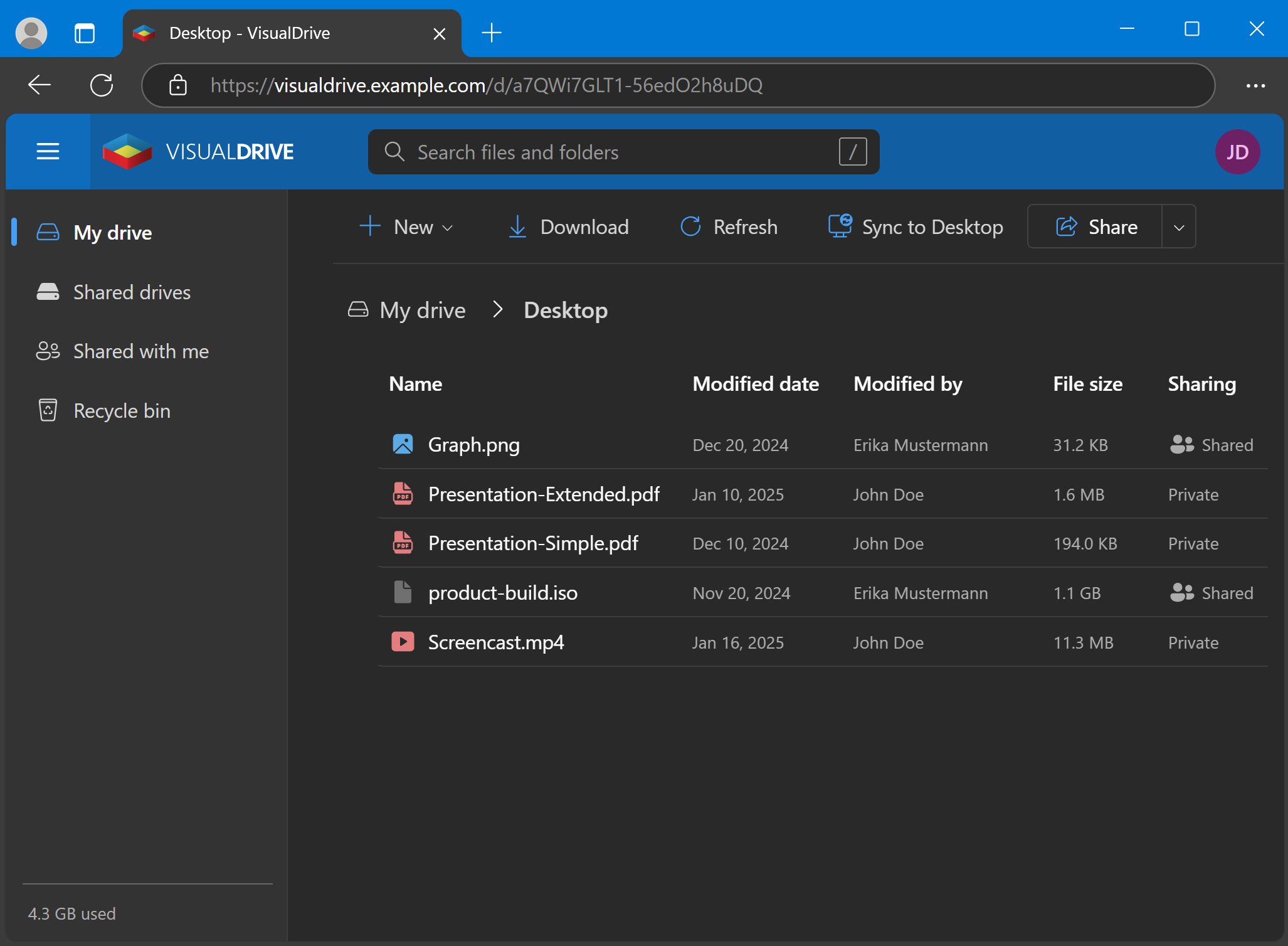
Users can sync and manage file versions using the OneDrive app that’s built into Windows. Files can be uploaded from any device, organized into different drives, and shared within your organization. Designed specifically for Windows and Active Directory environments, VisualDrive Server provides centralized backup, cross-device accessibility, and data protection.
Summary of this release
- High-performance, self-hosted OneDrive server
- Easy to install and configure
- Integrated with Active Directory and single sign-on (SSO)
- Policy-based deployment and administration
- Versioning and data protection
- Feature-complete package
High-performance, self-hosted OneDrive server
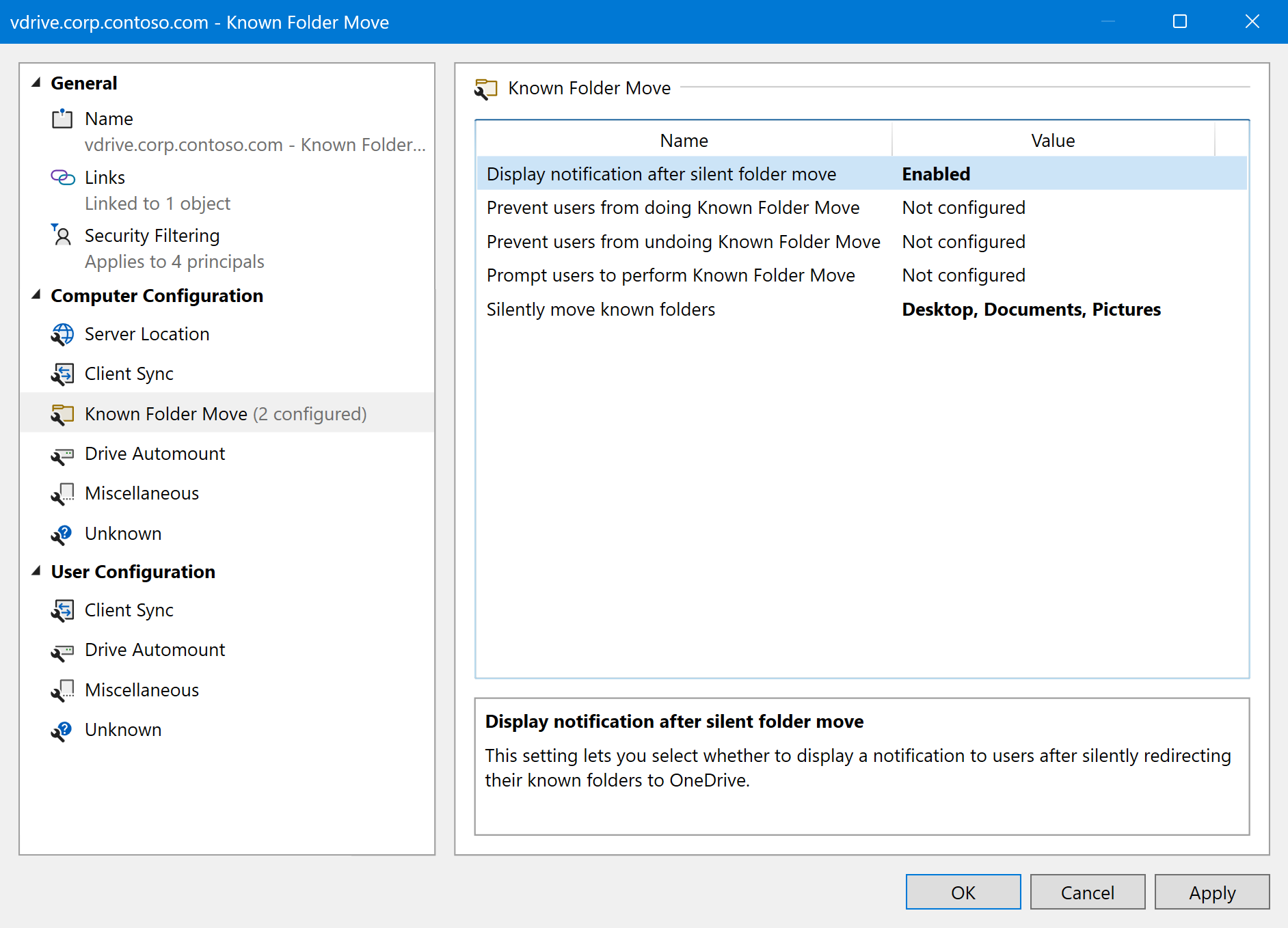
VisualDrive Server is a private OneDrive server that is hosted entirely on your premises. It natively supports the preinstalled Windows OneDrive client, including advanced features like Known Folder Move, Open in App, and Drive Automount.
Stored information remains entirely on your server, never crossing its security boundary or being uploaded off-premises. Read and write operations are performed with local network speeds, and VisualDrive Server uses a high-performing database that is optimized for concurrent throughput.
Easy to install and configure
VisualDrive Server is distributed as a single lightweight MSI package. The installation process is simple, straightforward, and allows you to set up a self-hosted OneDrive server in a Next-Next-Finish manner.
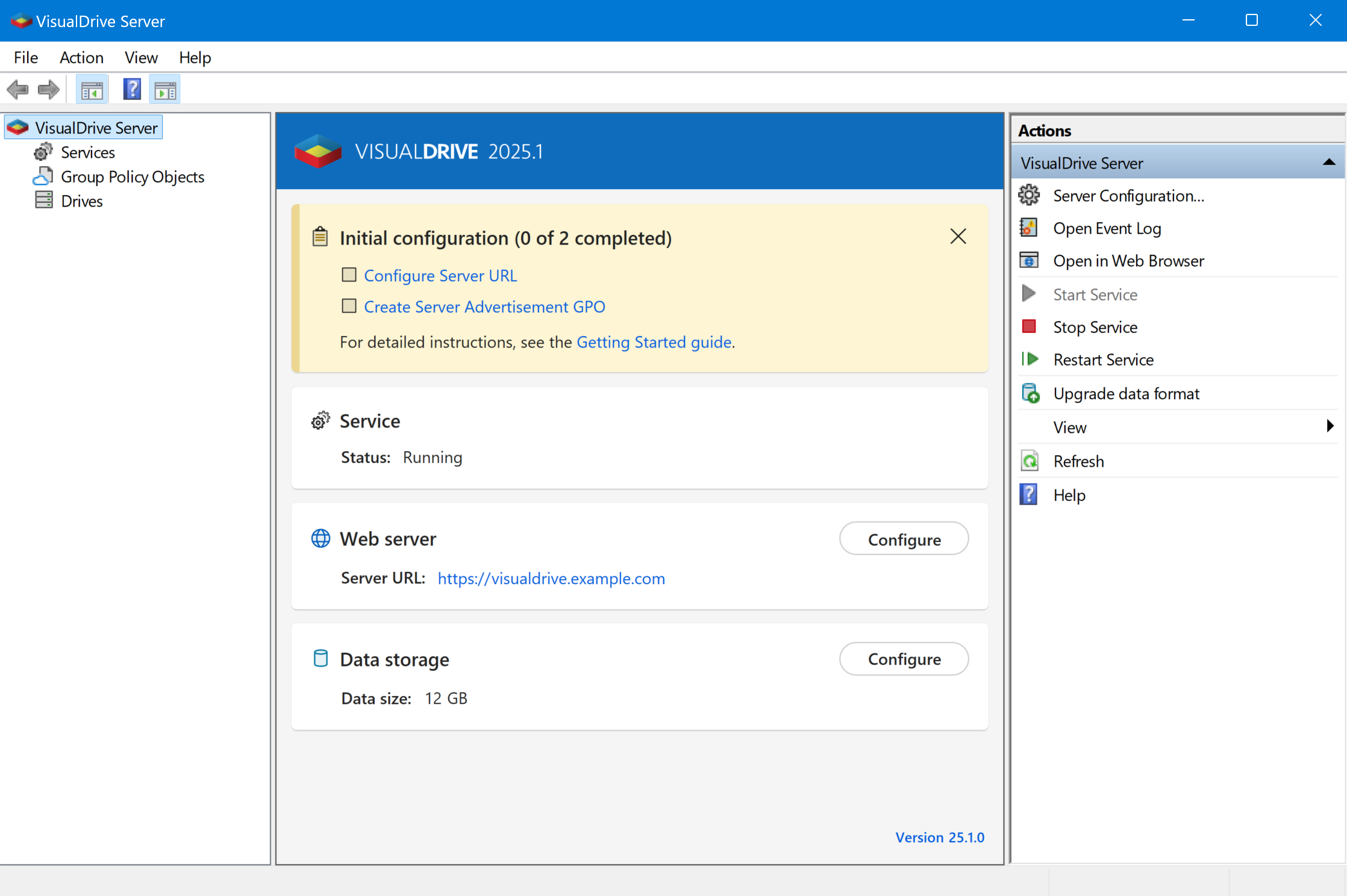
Because the OneDrive client is already preinstalled on all your Windows devices, the only required part of the configuration is deploying a few group policies.
Integrated with Active Directory and single sign-on (SSO)
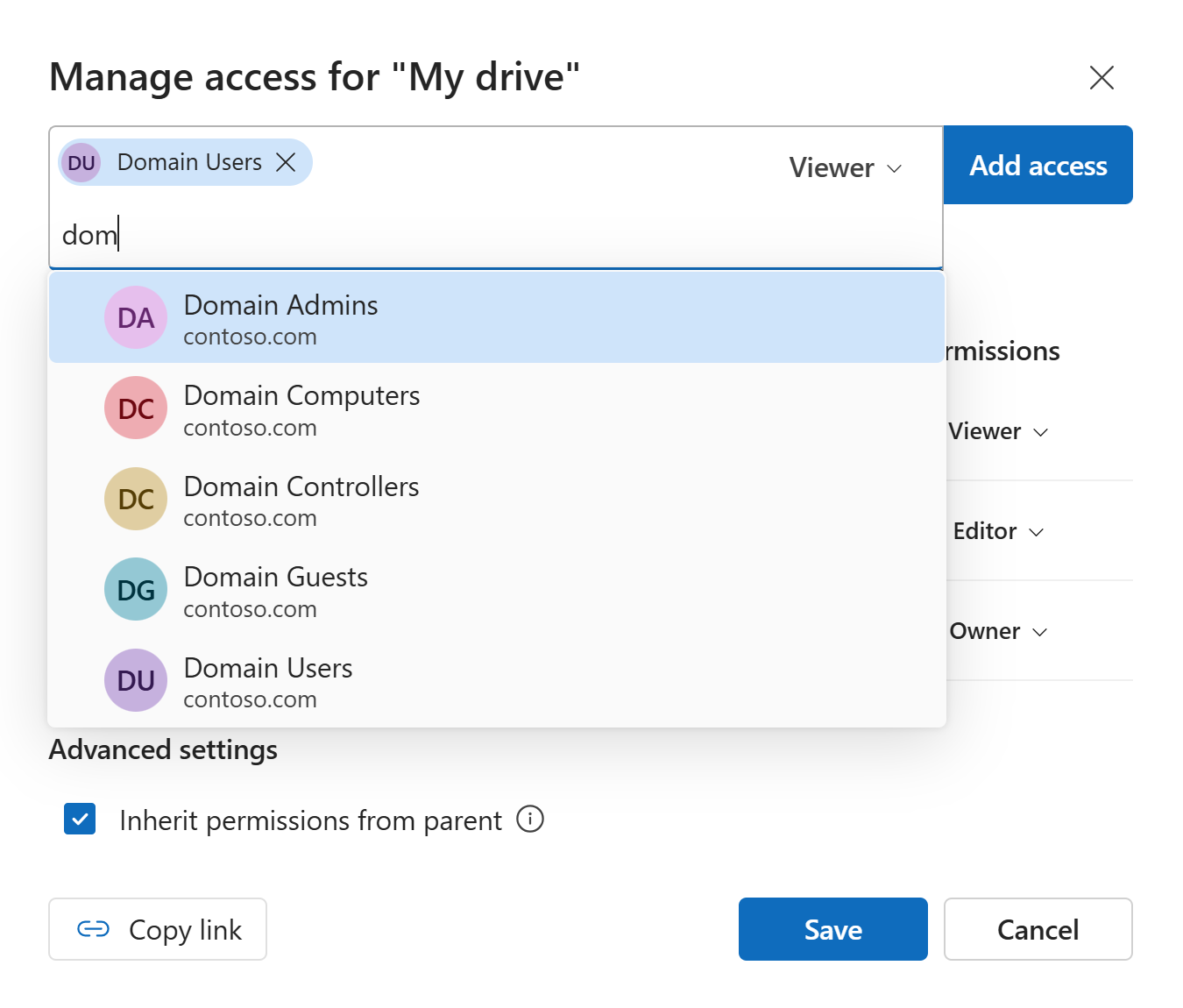
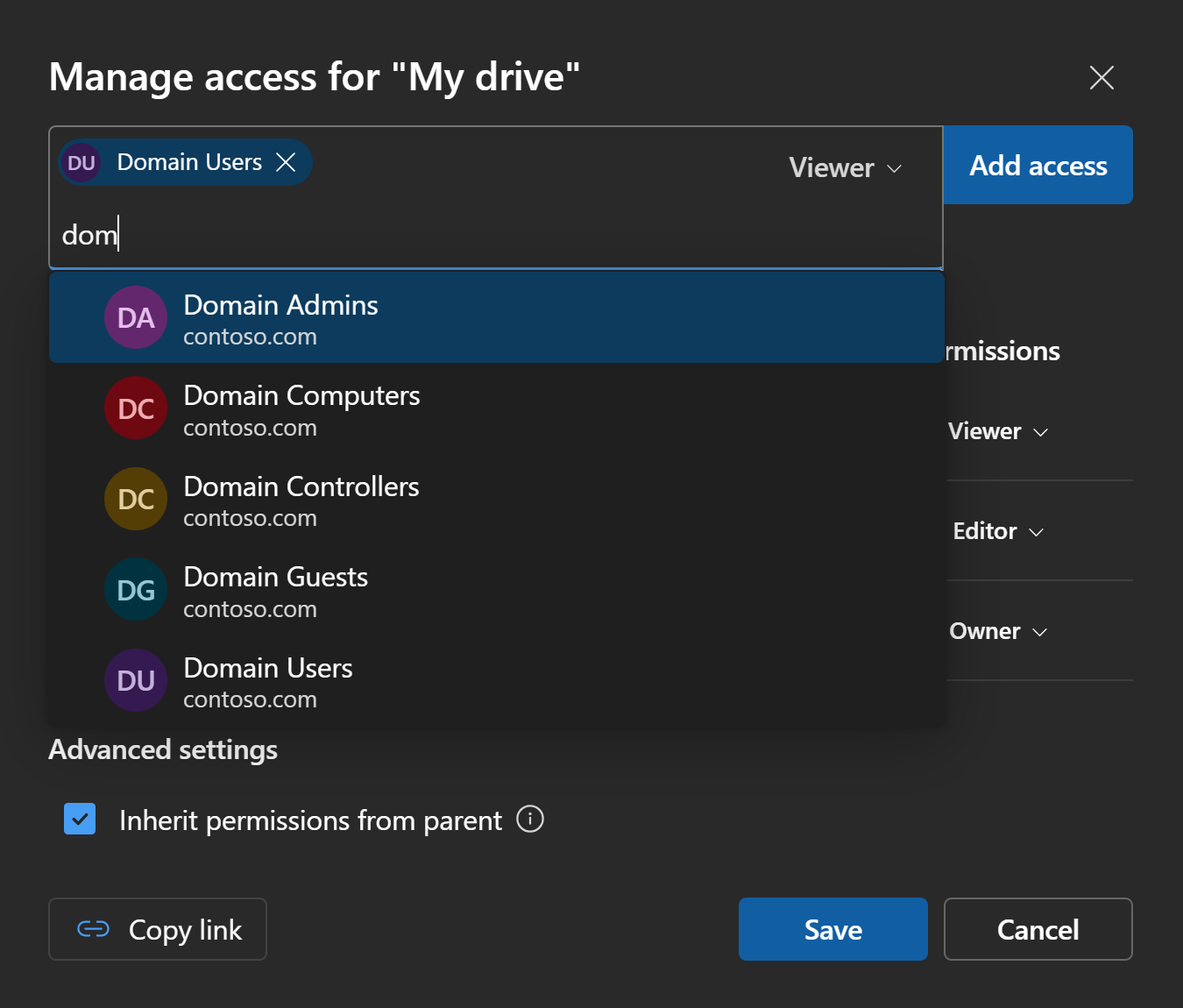
VisualDrive Server is fully integrated with Active Directory. Users are automatically authenticated with their current Windows credentials using secure Negotiate and Kerberos protocols for single sign-on. Permissions are assigned to Windows users and groups, and every access attempt is secured by Windows credentials.
Policy-based deployment and administration
Deployment and central administration of the OneDrive sync app happen through Group Policy settings. VisualDrive Server Manager simplifies this by providing predefined Group Policy Object types and commands to manage them.
Versioning and data protection
VisualDrive Server keeps older versions of the files, so users can easily restore them when needed. Administrators can configure retention policies and quotas to limit the maximum size of personal and shared drives.
To back up all stored data, administrators can rely on the always-on Volume Shadow Copy Service (VSS) with native integration for Windows Server Backup and Data Protection Manager.
Feature-complete package
VisualDrive Server is a feature-complete package that can be easily installed in any enterprise environment and adopted incrementally, even alongside your existing cloud OneDrive connections.
In addition to all the core functions, you can configure more than 25 policies, adjust theming and branding, enroll HTTPS certificates from your Certification Authority, and take advantage of various other built-in capabilities.
Changelog
Version 25.1.1 (March 20, 2026)
- Updated to .NET 9.0.14 with security fixes for CVE-2026-26127 and CVE-2026-26130.
- Fixed: installation fails on localized Windows versions when adjusting permissions for the installation directory.
- Fixed: Server Manager may fail to start with an "Object reference not set to an instance of an object" error.
- Fixed: Server Manager may crash when displaying errors during start.
- Fixed: Server Manager improperly cancels asynchronous operations on Enter instead of Escape.
Version 25.1.0 (November 4, 2025)
- Initial release.